Vibe Code Your PowerPoints with HTML Slides
A practical PowerPoint alternative for AI-generated decks: use HTML/CSS as the editable source, let agents draft slides, then export PPTX when needed.
Author: Variant Team. Variant is built by a small team working on HTML-native presentation tools, MCP workflows, and agent-editable decks.
PowerPoint is not going away. It is familiar, widely accepted, and still the handoff format in a lot of rooms.
But it is a strange place to start if your deck is being written by a coding agent. Agents are better at HTML, CSS, structured text, and small patches than they are at wrestling a complex PPTX file directly.
So the useful workflow is not "AI replaces PowerPoint." It is "vibe code the working deck in HTML, polish it visually, then export PPTX when the audience needs PowerPoint."
#Quick answer
Use PowerPoint when your team already lives in Office and the deck will be edited mostly by humans. Use an HTML-native deck workflow when an AI agent is creating or editing the slides, then export to PPTX only when the audience needs that format.
Variant follows that second model. The working deck is HTML/CSS. The handoff can be HTML, PDF, PPTX, or JSON.
#Why AI agents struggle with PPTX
PPTX is a zip file full of XML. It is a fine interchange format. It is not a friendly authoring format for an agent.
Common problems:
- Tiny schema mistakes can break the file.
- Layout is hard to inspect without opening PowerPoint.
- Text and shape positions are verbose.
- Diffs are not pleasant.
- A small edit can require touching several XML files.
HTML is not magic, but it is easier to read, generate, preview, and patch.
#The HTML-first, PPTX-when-needed workflow
A saner workflow looks like this:
- Write a clear deck brief.
- Let an agent create the deck as HTML/CSS.
- Preview the slides in a browser or visual editor.
- Make targeted edits by hand or with the agent.
- Export to PPTX only when someone needs PowerPoint.
This keeps the source editable while still respecting the reality that some stakeholders ask for .pptx.
#Where Variant fits
Variant gives you a visual editor around HTML slides. Claude Code can create and edit decks through MCP, while you can polish the same deck on the canvas.
Useful bits:
deck.createfor starting a deck.slides.batchUpdatefor coordinated changes.slide.previewfor visual feedback.slide.editfor scoped edits.deck.exportfor HTML, PDF, PPTX, or JSON.
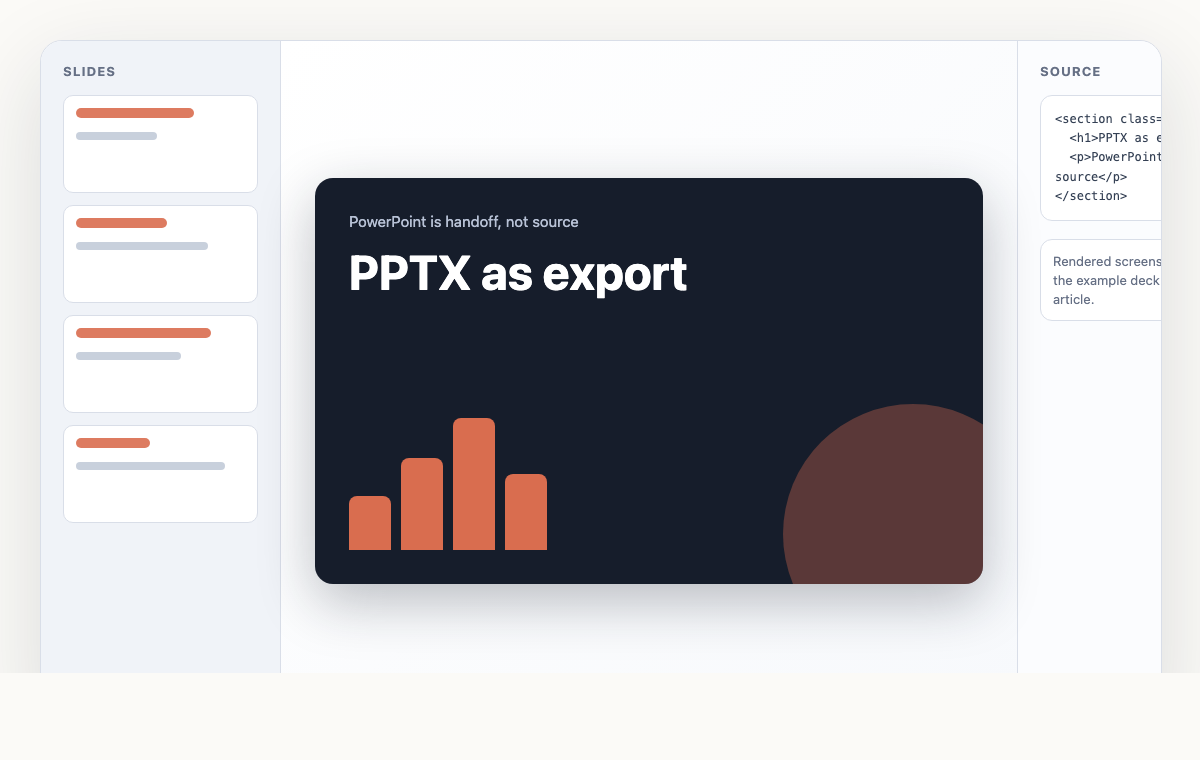
The key is that PPTX is an export, not the source of truth. That keeps the workflow calmer.
#When PowerPoint is still better
PowerPoint is still the right tool when:
- Your company has strict Office templates.
- Several nontechnical stakeholders need to edit the deck directly.
- You rely on PowerPoint-specific animations or speaker workflows.
- The final deliverable is a native PPTX file and nothing else matters.
That is fine. Use the tool that fits the room.
But if the deck starts in an AI agent, HTML is usually a better starting point.
#Related reading
#FAQ
#Can Variant replace PowerPoint completely?
For some workflows, yes. For Office-heavy teams, Variant may work better as the place AI-generated decks start before being exported to PPTX.
#Can I export PPTX?
Yes. Variant supports PPTX export alongside HTML, PDF, and JSON.
#Is HTML export better than PPTX?
For browser-native sharing, hosting, versioning, and AI editing, yes. For PowerPoint handoff, PPTX is still the right format.
#Can Claude Code make PowerPoint files?
With Variant, Claude Code can create the deck through MCP and then call deck.export to produce PPTX.
#The short version
PowerPoint is a good destination. It is not always the best source.
If AI is helping write the deck, keep the source in a format the agent and a human can both understand. Export to PPTX when the room asks for it.